AYK's Map Studio
Made in India · Self-hosted map engine

Cinematic maps in 60 seconds.

AYK's Map Studio is the home-grown, self-hosted studio for animated maps. Highlight regions, draw flight paths, direct the camera, and narrate the story — then export broadcast-ready video. No keyframes, no Google or Mapbox lock-in.

Start creating free Watch the 40s demo

No credit card · OpenStreetMap data · Export MP4, image & PDF

Built for Travel creators Newsrooms & journalists Realtors & agencies Government & enterprise

The big idea

A map is a story waiting to move. AYK's Map Studio lets you animate every frame of it — the region, the route, the camera, the caption.

Everything is animatable

One studio for regions, routes, camera and the caption.

Every control is a keyframe under the hood — but you never have to touch one. Tune what you see, and AYK's Map Studio animates it for you.

Region & country highlighter

Trace any state, district or country with surgical precision. Gradient, hatch, dotted or solid fills with animated, glowing borders.

Flight paths & routes

Generate parabolic arcs with altitude in one click. Hub mode branches every stop from a single origin — up to ten points per scene.

Cinematic camera

Set pitch, bearing and zoom like a director. Globe or flat, sunset or dawn — the camera flies between your keyframes on its own.

Emphasis effects

Pulse, glow, electric, flicker or flash — make the region that matters demand attention, with strength dialled exactly where you want it.

Text, narration & overlays

Drive the story with on-map titles, labels and timed captions. Control the narration so the data lands exactly when the camera does.

Cloud render & export

Export broadcast-ready MP4, image or PDF in 16:9, 9:16 or square — drop straight into Premiere, Final Cut, LinkedIn or YouTube.

Rich data layers

Go beyond outlines — choropleths, heatmaps, hex grids and 3D-extruded geometry turn raw numbers into a map that reads at a glance.

Real-road routes & markers

Snap routes to actual roads and send a marker — car, plane, train or ship — gliding along the path, banking through every turn.

Basemaps

Six map styles. No API keys.

Every basemap renders from open OpenStreetMap & Protomaps data — switch styles freely, with no tokens, quotas or third-party keys to manage.

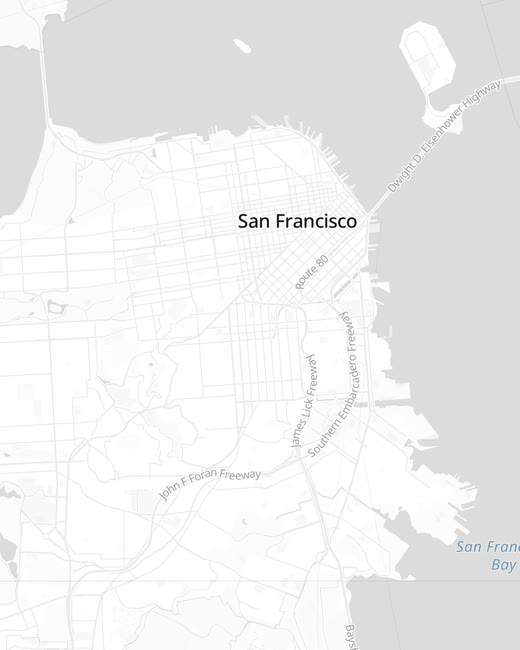
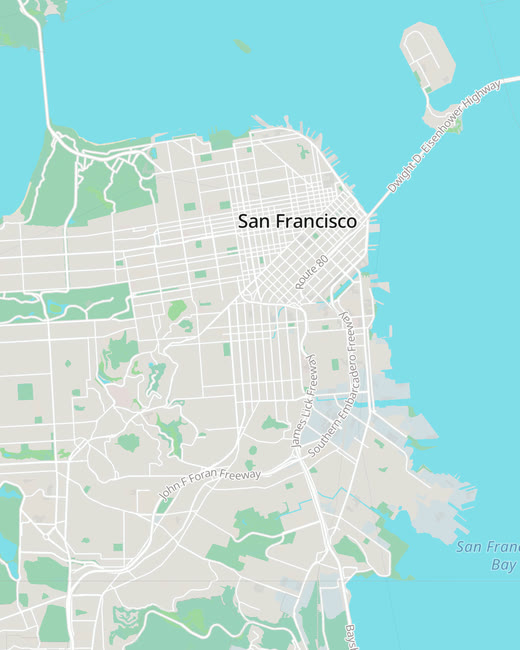
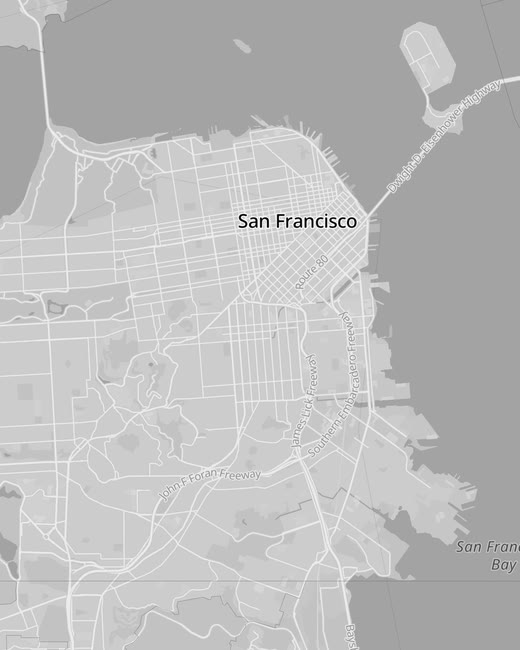
Streets basemap — light street map with roads and labels
Streets
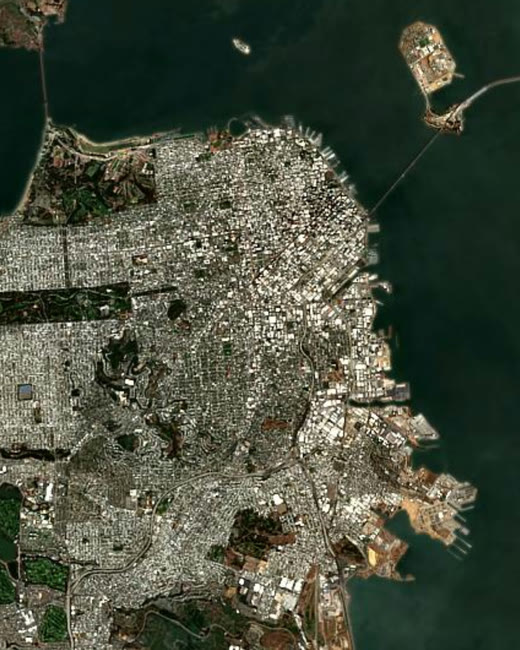
Satellite basemap — EOX Sentinel-2 cloudless satellite imagery
Satellite
Light basemap — clean near-white map theme
Light
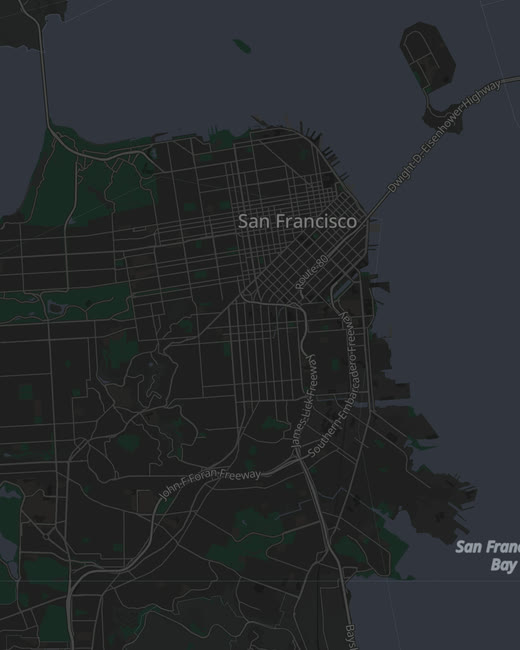
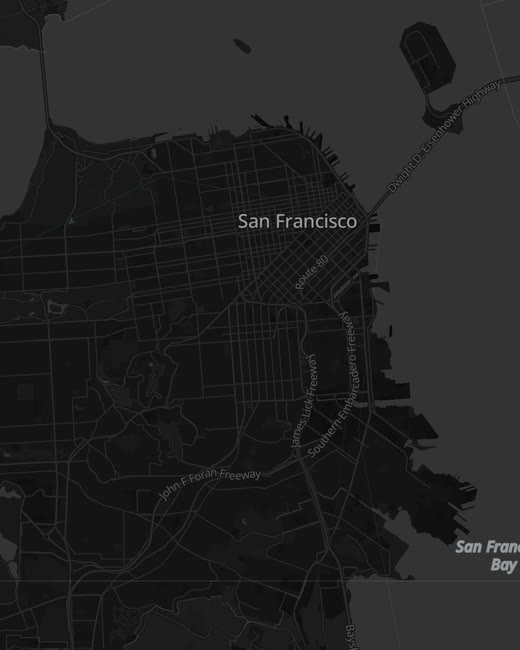
Dark basemap — navy dark map theme
Dark
Grey basemap — muted greyscale map theme
Grey
Black basemap — high-contrast black map theme
Black

See it move

Scroll, and the studio comes alive.

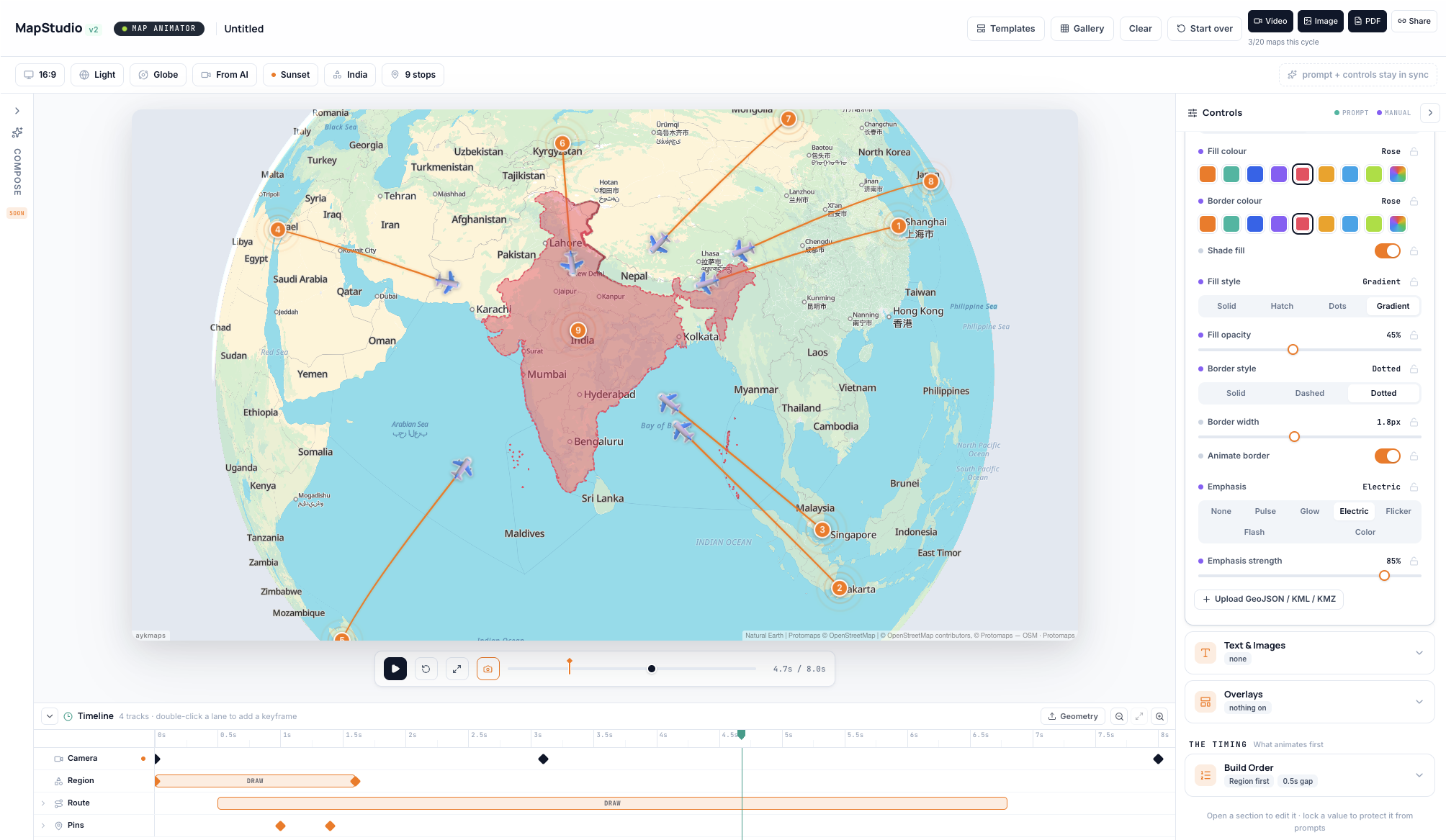
The real editor — compose the scene, dive into the live map, tune every control, then pull back to render.

The AYK's Map Studio v2 editor — a live map of India with animated flight routes, a Controls panel on the right and a keyframe timeline below
Compose, refine and render — all in one window.
  1. 01 — COMPOSE

    The whole studio, one window

    Map canvas in the centre, controls on the right, the keyframe timeline below. Everything you need to direct a scene is in view.

  2. 02 — FRAME

    Into the live map

    Drop pins, draw routes, highlight India and its neighbours. The map is live OpenStreetMap data, not a static picture.

  3. 03 — TUNE

    Tune every control

    Fill style, border, opacity, emphasis, build order — adjust what you see and lock what you love. No keyframe wrangling.

  4. 04 — RENDER

    Render & export

    Camera, region and routes animate in the order you set. Export MP4, image or PDF — ready for the feed or the broadcast.

How it works

From a sentence to a finished scene.

Four steps. No keyframes required — though they're there the moment you want them.

1

Describe or import

Type the scene in plain language — "trace a 5-day road trip through Karnataka" — or drag in a GeoJSON, KML or KMZ file.

2

AI composes the scene

The engine turns your brief into an editable scene — camera, routes, region highlights and overlays already laid out and in sync.

3

Refine on the timeline

Tune fills, routes, pins, emphasis and build order. Lock any value so a re-prompt can't touch it. Every change renders instantly.

4

Render & export

Hit render. In about a minute you have a broadcast-ready MP4, image or PDF — in whatever aspect ratio your platform needs.

The Living Inspector

One editor, three jobs.

Three columns keep the whole scene at your fingertips, with the live preview in the middle updating the instant you touch anything.

  • The shot
    Format, basemap, projection, and camera motion.
  • The story
    Places, routes, region highlights, and text overlays.
  • The timing
    Animation order and an optional keyframe timeline.
The Living Inspector: the live map preview fills the centre, the Controls panel sits on the right, and the keyframe timeline runs along the bottom.

From data to story

Drop in a spreadsheet. Watch it become a map.

Columns auto-detect into places, coordinates, numbers and dates — then become points, routes and animated layers. No GIS knowledge required.

CSV JSON GeoJSON + curated registry
PlaceLatLngDay
Bengaluru12.9777.591
Hampi15.3376.462
Goa15.3074.083

Total control

Hands on the controls, the moment you want them.

Compose with AI, then take the wheel. Style every layer with real controls, and keyframe the camera, routes, regions and overlays on a precise timeline — down to the frame.

Controls Region · India
Fill colourMint
Fill style
Solid Hatch Dots Gradient
Fill opacity45%
Emphasis
None Pulse Glow Electric Flicker
Shade fill
Animate border
3D terrain
Timeline 4 tracks
0s2s4s6s8s
Camera
Region
DRAW
Route
DRAW
Pins
Build order: Region → Route → Pins → Camera
Sovereign by design

Your maps. Your servers. Your soil.

AYK's Map Studio is home-grown in India and built on open map data — so you're never renting your basemap from Google or Mapbox. Run it in our cloud, or self-host the whole engine inside your own network.

Data stays in country

Render on infrastructure you control. Nothing leaves your network unless you want it to.

Self-host the engine

Deploy the full Map Animator on your own servers — air-gapped if you need it.

Open map data

Powered by OpenStreetMap & Protomaps — no proprietary basemap lock-in, ever.

Hub mode · routes branch from one origin

Use cases

One tool, four very different storytellers.

Travel & YouTube creators

Turn an itinerary into a cinematic flight-path intro your audience actually watches to the end. 9:16 for Shorts, 16:9 for the main feed.

Journalists & newsrooms

Highlight a constituency, trace a supply route, or map an event with surgical precision — broadcast-ready in minutes, on deadline.

Realtors & agencies

Fly clients from city to neighbourhood to doorstep. Brand the colours, add overlays, and export a share-ready reel for every listing.

Government & enterprise

Self-host the engine, keep sensitive geodata in-country, and produce briefing-grade visualisations without a GIS team.

Export

One scene, four ways to ship it.

Video

MP4 · 720p / 1080p / 4K · 30 or 60fps · 16:9 · 9:16 · 1:1 · 4:5

Image

High-resolution hero stills — PNG or JPG — for thumbnails and decks.

PDF itinerary

A multi-page, print-ready itinerary generated straight from your scene.

Share link

A read-only public URL — no login required to view.

Stock media library

Not just maps. A stock media library too.

Browse and download royalty-free stock video and imagery — travel, cities, drone and B-roll — to drop straight into your scenes and edits. Included with every AYK Studios account.

  • Royalty-free to use
  • HD & 4K clips
  • One-click download
Browse stock media Sign in to download
0:12
0:08
0:20
0:15
0:30
0:18

What used to take a motion designer an afternoon now takes about sixty seconds.

60s
to first render
0
keyframes to learn
3
export ratios & formats

Pricing

Start free. Scale when you ship.

Your first maps are on us — no credit card required.

Free to start
₹0 to begin

Start free with no credit card, then scale to Creator or self-host when you ship. See every plan, what's included, and regional pricing on our pricing page.

  • Free, Creator & Studio plans
  • MP4, image & PDF export
  • Self-host option
View plans & pricing

FAQ

How to make a map animation

How do I make a map animation video?+
Describe the scene in plain language or import a GeoJSON, KML or KMZ file. AYK's Map Studio composes an editable scene — region, routes, camera and overlays — which you refine and render to MP4, image or PDF in about sixty seconds. No keyframes or GIS knowledge required.
What is the best software to animate a route or flight path on a map?+
AYK's Map Studio is purpose-built for animated route and flight-path maps. Generate parabolic arcs with altitude in one click, branch up to ten stops from a single hub, and animate camera, region and routes together — then export in the aspect ratio your platform needs.
Can I create map animations for YouTube, Shorts and Instagram?+
Yes. Export broadcast-ready MP4 in 16:9 for YouTube, 9:16 for Shorts and Reels, or square for the feed. Files drop straight into Premiere, Final Cut or any social uploader.
Is AYK's Map Studio self-hosted, and where does my data live?+
AYK's Map Studio is home-grown in India and can be self-hosted entirely on your own servers — air-gapped if required. It runs on open OpenStreetMap and Protomaps data, so there is no Google or Mapbox basemap lock-in and your geodata never has to leave your network.
Do I need design or GIS skills to use it?+
No. Every control is a keyframe under the hood, but you only adjust what you see — fill, border, emphasis, camera and build order. The studio handles the animation, so non-designers get broadcast-grade results.

Start free today

Control the story, the narration, and the data on every map.

Your first maps are on us. Spin up a scene, render in 60 seconds, and keep the data on your own soil whenever you need to.